

Nest
Included in all Subscription licensesThe beast of productivity
If there's one thing you should prioritize when adding value to your waterjet machine, it’s a great nesting software. Why? Any improvement in material utilization will save you both time and money.
 Auto nest
The Best nesting in the world
IGEMS Auto nest is designed to pack your parts tighter, reducing waste and lowering your cost per part. Our true shape nesting considers the actual geometry of each piece, not just bounding boxes, so you get more parts from every sheet. Even small improvements in material utilization add up to significant savings over time.
Save 14% on every nest *
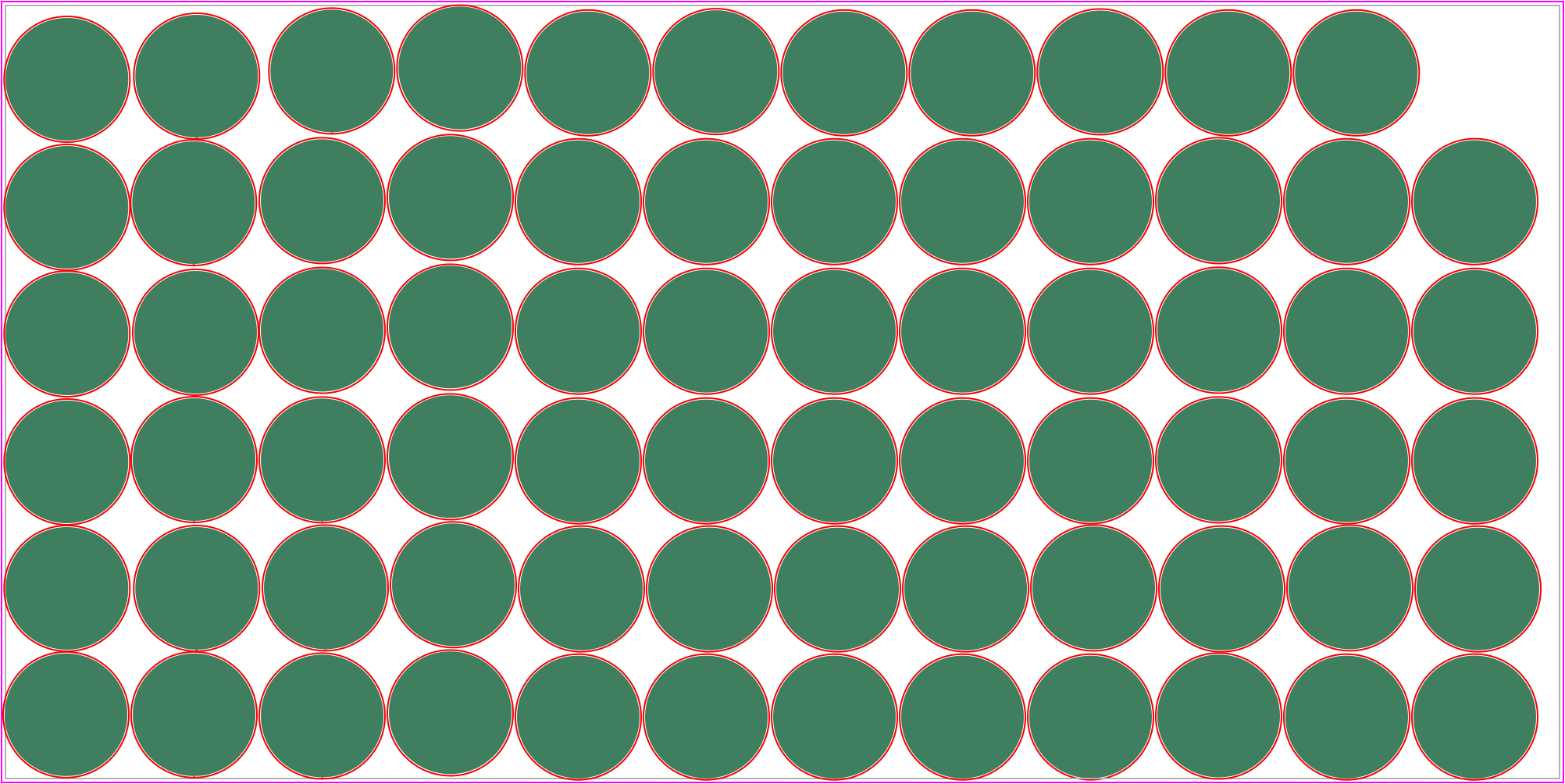
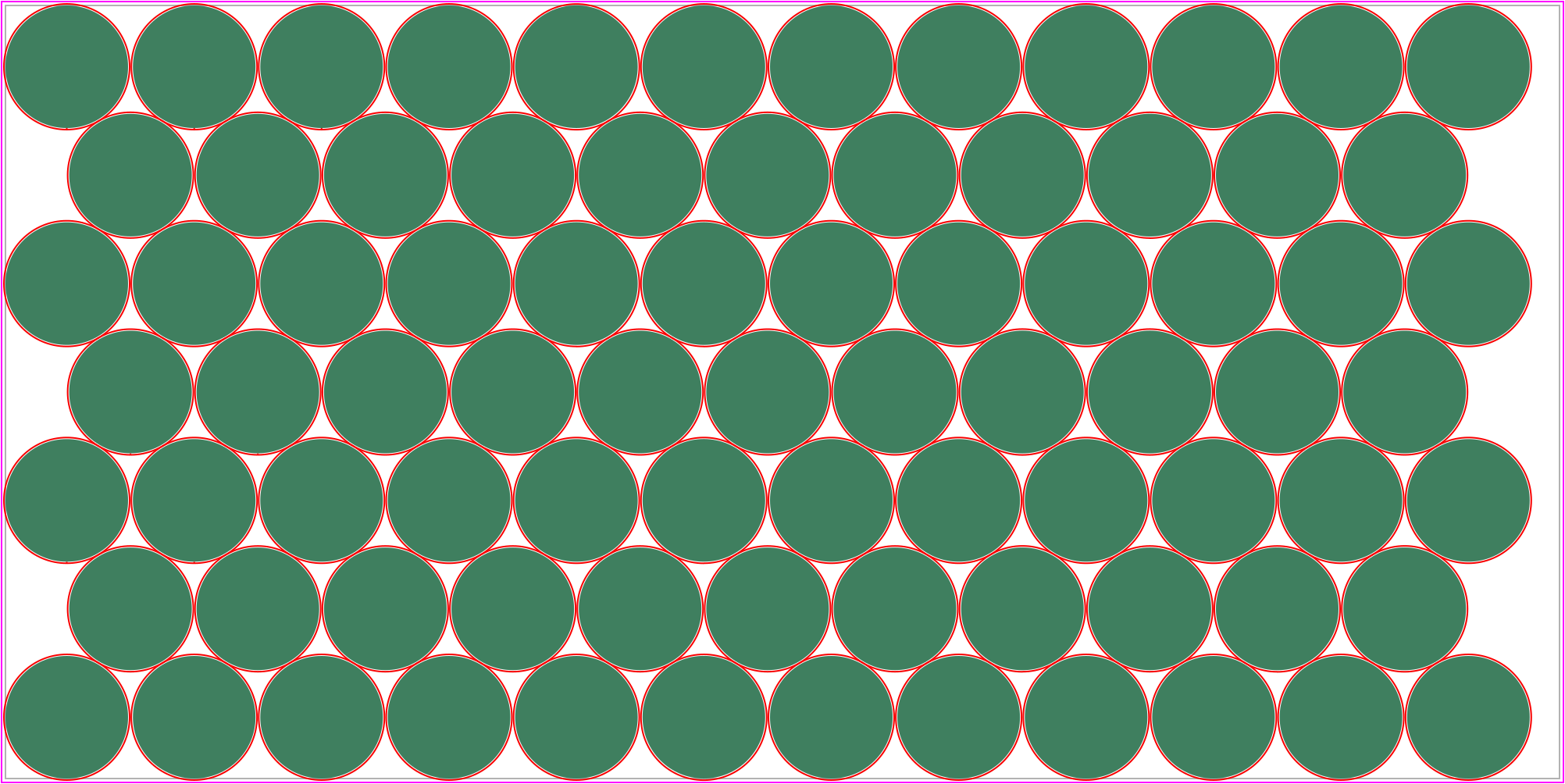
In this example, IGEMS Auto nest saves you about 172 sheets per year. When you use IGEMS toolpathing commands like CircleCut or CommonCut, your cutting efficiency also dramatically improves. This same example shows IGEMS cutting 10 additional parts in 26 minutes less time, all while using the same cutting parameters set on a Flow controller.
* This value refers to the specific example below for 12mm (1/2") Stainless steel. The value will vary depending on the nesting conditions.71 parts - Flownest 8
2h 11m - Cut time
81 parts - IGEMS CAD/CAM 2025
1h 45min - Cut time
How much you can save with Auto nest?
The #1 choice for waterjet cutting
IGEMS transforms the waterjet cutting industry with simple, remarkable ideas. From CAD/CAM software to clever gadgets that makes your waterjet cutting machine perform better.
 Common Cutlines
Nest with Common cut
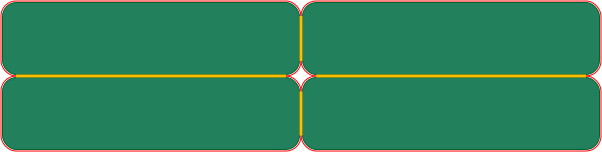
To make you nesting even more effective, you can cut two edges with the same cut by using IGEMS Common cutline. It dramatically reduces your time and cost by 50% on any edge which mates with another edge.
In the example below, you'll save about 25% cut time by cutting the yellow segments just once.
 Snapshot
Trace sheets for nesting
Anyone operating a CNC machine knows the time it takes setting up the material properly. Making sure your parts will fit the material and more importantly, making the machine start in the right position.
Our Snapshot does just that for you. It photographs the material on your machine table and import an image of it into IGEMS CAD/CAM. The image will be adjusted and scaled 1:1 and you can easily trace it as a sheet entity and nest directly on the image.
Learn more