


Express
Full power,
Zero friction
The fully automatic interface for any waterjet machine. Yes, even Flow and Omax.
What is IGEMS Express?
Express is an automated CAM/NEST solution for users who want the best from IGEMS CAD/CAM in just three simple steps. Optimal nesting, toolpaths, piercings and leads is all automatically handled by Express. Giving you expert results without being the expert.
Step 1
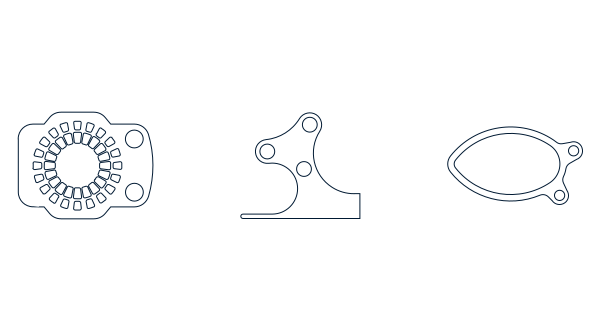
Add geometry
Step 2 (optional)
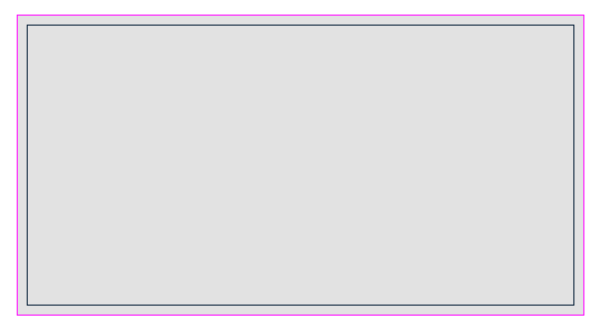
Add sheets
Step 3
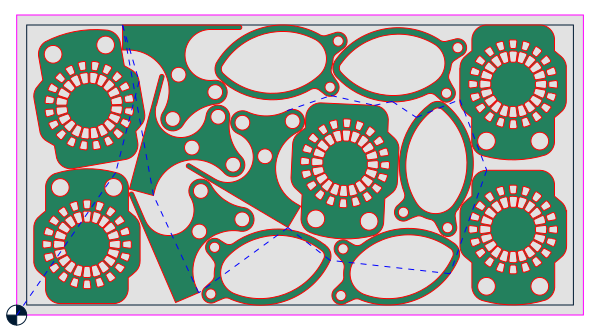
Job created

Step 1
Add Geometry
From popular file types
Switching to IGEMS CAD/CAM Express doesn’t mean starting over. Not even if you come from another software. IGEMS Express opens 20+ file types without conversion headaches and data loss. Meaning virtually any waterjet cutting machine can use it. Yes, even Omax and Flow.
Generate shapes with AI
If importing files isn't your thing, our parametric part system is. We supply our standard parts with the installation, but creating your own parts is where the magic happens.
Don't know how to code Python scripts? Use our custom GPT to tell ChatGPT what to make. "Generate a flange with 6 bolt holes on a 150mm pitch circle".
Custom shape GPT
Step 2
Add sheets
Standard sheet library
Most jobs are nested on standard sheet sizes, so we implemented our standard sheet library. It's customizable to your custom sheet sizes and ready to be used out of the box. You can also open native IGEMS .dig files that incudes custom sheets.
Trace sheets
One of the coolest features of IGEMS Express is the material tracing. With the help of our Snapshot command, we can import a 1:1 scaled and calibrated image into the drawing and trace its geometry. Making you a sheet from the actual material to nest on.
Snapshot
Step 3
Job Created
What's generated?
In the last step, machine ready files has automatically been generated with optimal nesting, toolpaths, piercings and leads. Our deep knowledge and algorithms has decided which combination of piercings and leads to use depending on the material.
Watch the demo
Where to find Express?
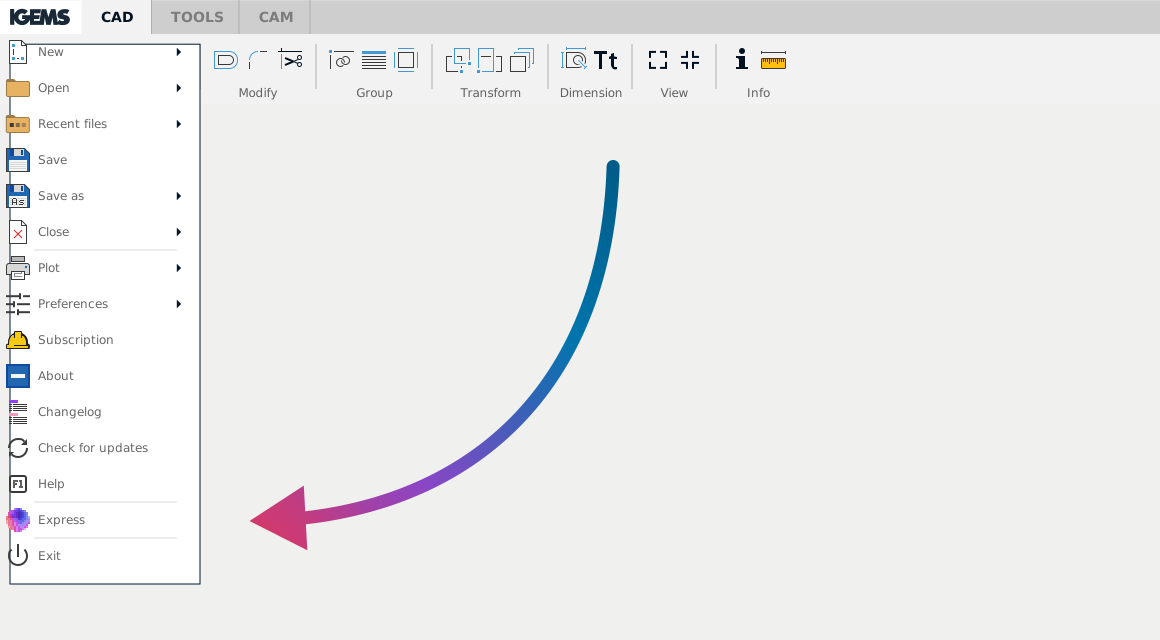
Express is only available for 2D and 3D subscription licenses and can be found in the IGEMS dropdown menu.
System features
All features in Express is fetched from our CAD/CAM, so the performance is still the same as our professional interface. They are just automated to give you a smoother workflow.
Nesting
Uses the best nesting possible, our Autonest.
Toolpaths
Speed ramping with medium quality.
Leads
Using our Automatic leads.
Cut order
Using the default zero corner of your machine settings and the "Closest" order sorting.
Sheets
Pick sheets from a customizable standard sheet library.
Trace sheets
Together with our Snapshot and a GigE camera, you can trace the actual material that's on your machine table. More info about cameras.
Parametric parts with AI
Parts created in the Python language with a custom shape GPT designed to help you generate parametric parts without knowing how to code. Custom shape GPT
Supported file types
.dxf
.dwk
.dig
.pdf
.svg
.svgz
.eps
.ord
.tag