Edit sheet properties
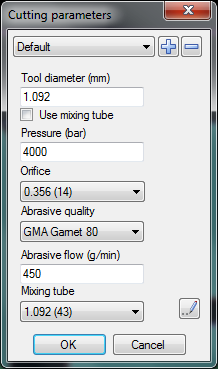
This command shows following dialog box:
Plus button
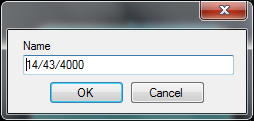
Press the "plus" button to create a new parameter setup. IGEMS asks for a name for the new setup. Save the setup with a name that corresponds to the size of orifice and mixing tube.
Minus button
This button will delete actual parameter setup.
Tool diameter
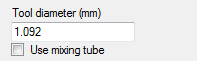
This is the actual "tool diameter" used as default when IGEMS calculates the tool radius compensation. It is also default value for the part distance when using commands for common cutline. If the checkbox "Use mixing tube" is active then the tool diameter automatically is the same as the diameter of the mixing tube.
AWJ settings
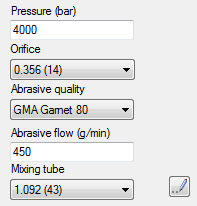
The "Pressure" value should be the pressure the pump is set to (the pressure loss is handled by IGEMS).
All these settings are used in the mathematical formula to calculate the cutting speed.
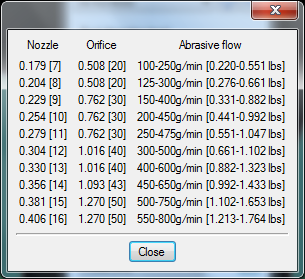
Click the "Lamp" button to have some hints of good combinations of Nozzle/Orifice/Abrasive.
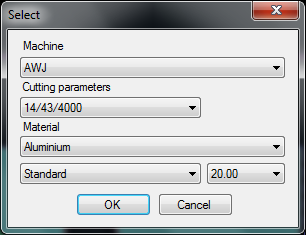
Where do I select the parameters I want to use?
When you select machine and material in the "select" command then you also select cutting parameters.